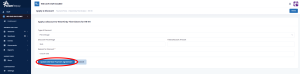



Follow the below steps to guide you on how to apply discounts at a member level.
Step 1:
Use the navigation menu to go to your dashboard and click on members.
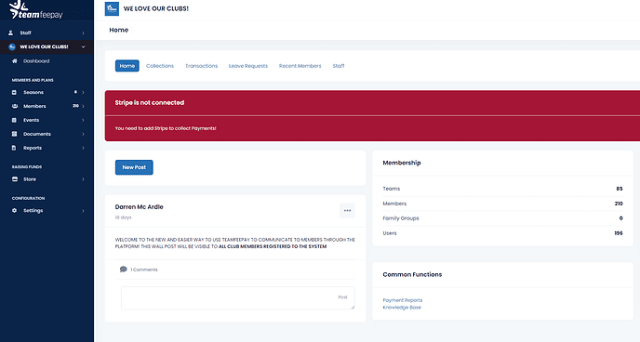
Step 2:
Search for the member in the search bar and then click on their name in the first name column.
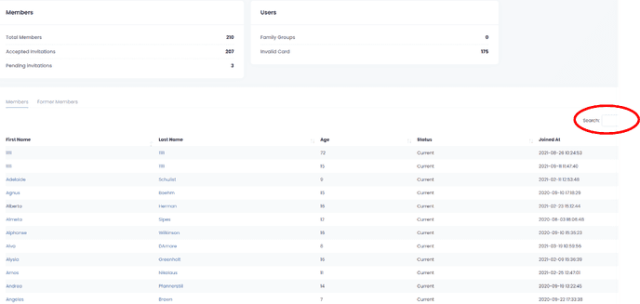
Step 3:
Once in the account click on the ‘Plans’ tab.
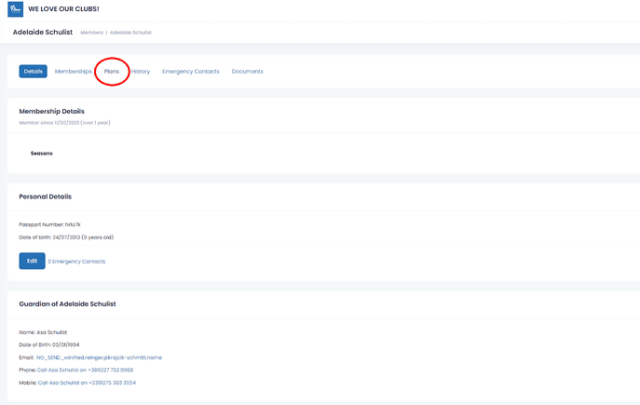
Step 4:
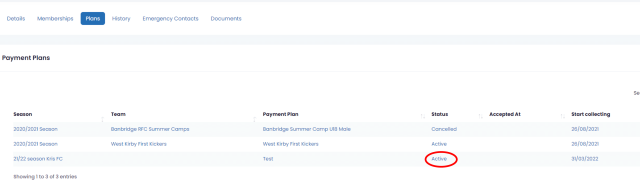
Once in the ‘Plans’ tab, you can view the payment plans related to the member. Use the ‘Status’ column and click on the ‘Active’ hyperlink for the plan you wish for the member to be transferred from.
Step 5:
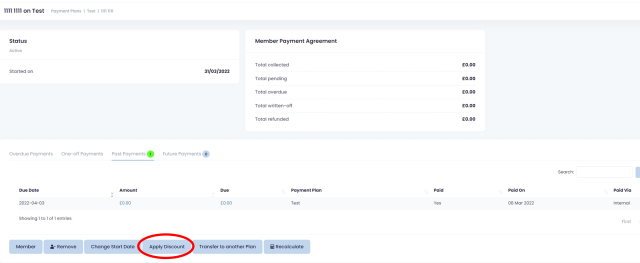
On the next screen click on the ‘Apply discount’ button.
Step 6:
Complete the fields as required and click on ‘Update member payment agreement’